![Esper-social-assets-110119_Medium-logo.png]](https://support.esper.com/hs-fs/hubfs/Esper-social-assets-110119_Medium-logo.png?width=80&height=40&name=Esper-social-assets-110119_Medium-logo.png)
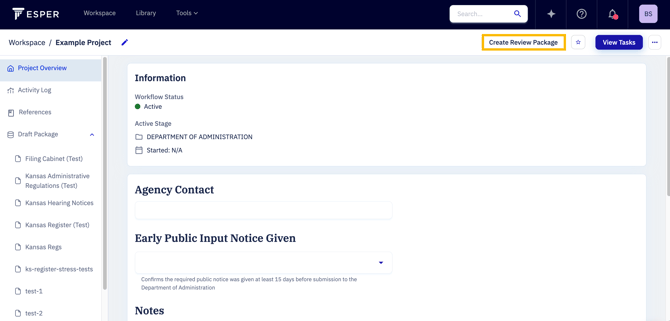
When you are ready to send documents located in the "Draft Package" page of your project to another agency's workspace for review, you can select the "Create Package" button at the top of your screen.
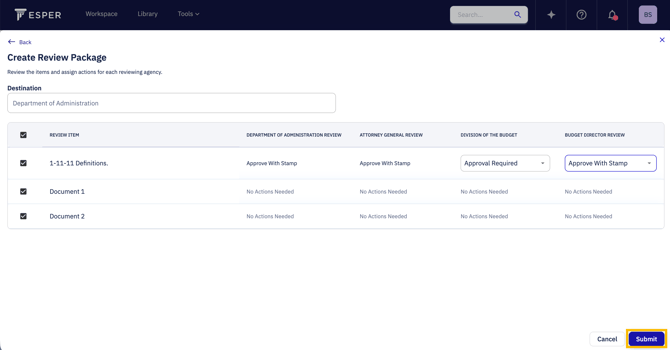
You will be able to select the items to include in your review package and any actions for an approval agency to take on an item if applicable. When finished, select "Submit" to send your review package to the first approval agency.